
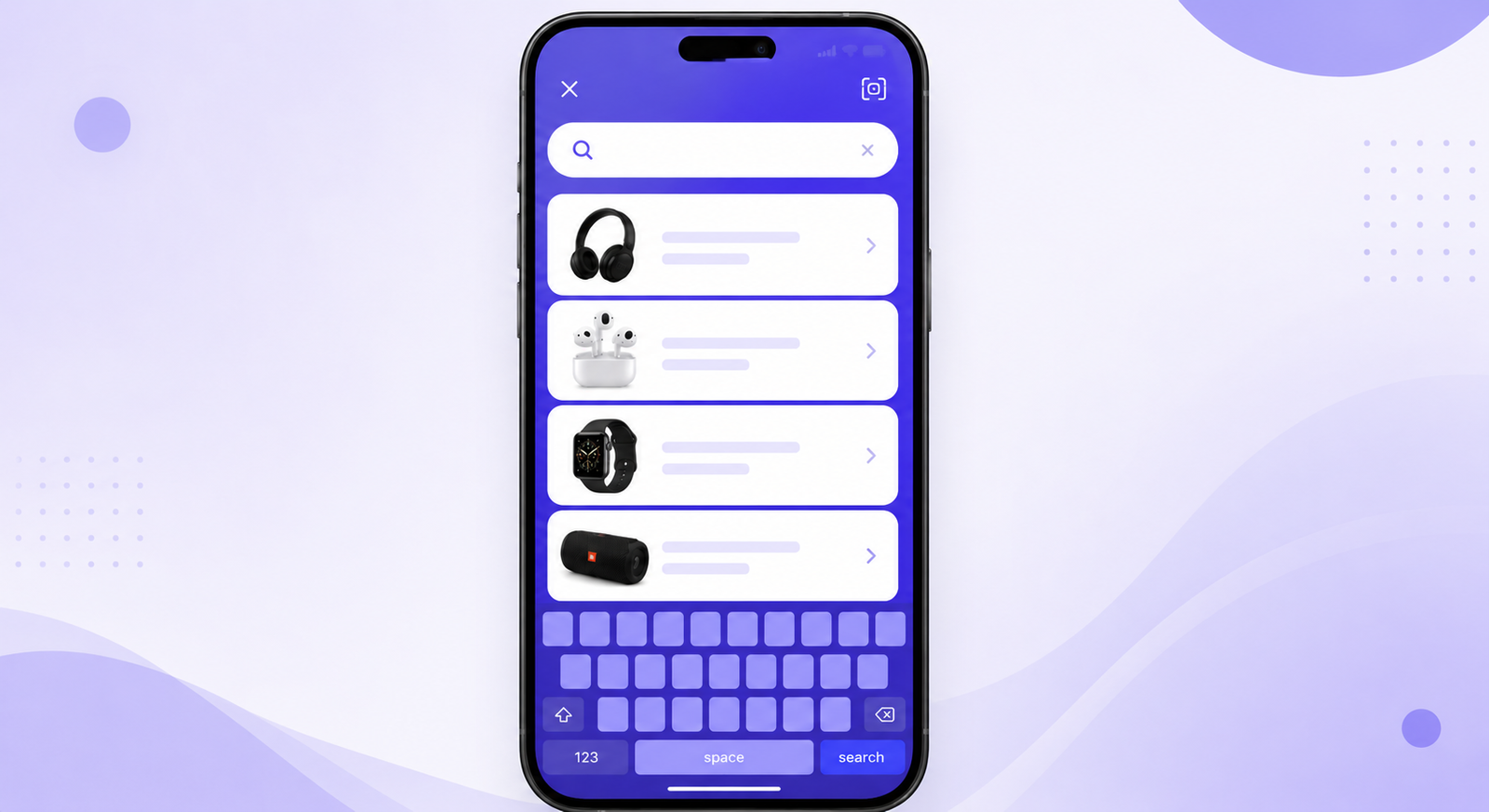
What Is Full-Screen Mobile Search?
Full-Screen Mobile Search opens the search interface in a dedicated full-screen overlay on mobile devices. Instead of searching within a small input field, customers get a spacious and focused search experience that’s optimized for touchscreens.
With NivoSearch, shoppers can browse search results comfortably, type more easily, and discover products without distractions.
Why It Matters?
More customers shop on mobile devices than ever before. Small search boxes and limited screen space can make product discovery difficult.
A full-screen mobile search experience provides more room for search suggestions, product results, and navigation, helping customers search confidently and find products more quickly.
Key Benefits
Optimized for Mobile
Deliver a search experience designed specifically for smartphones.
More Space for Search Results
Display products and suggestions in a clean, full-screen layout.
Easier Navigation
Reduce distractions and help customers focus on finding products.
Better Mobile Shopping Experience
Make product search faster, simpler, and more enjoyable.
How It Works?
- A customer taps the search icon on a mobile device.
- NivoSearch opens a full-screen search interface.
- Customers begin typing and receive live product results instantly.
- They browse results comfortably and select products without leaving the search experience.
Frequently asked questions
Full-Screen Mobile Search opens a dedicated search interface that fills the entire mobile screen, making product search easier and more comfortable.
Yes. This feature is designed specifically for smartphones and other mobile devices to provide an optimized search experience.
Yes. Live search results update instantly while customers type, providing a fast and responsive mobile search experience.
Yes. NivoSearch is designed to work with most modern WooCommerce themes while maintaining a consistent mobile search experience.
Yes. Full-Screen Mobile Search is available in the free version of NivoSearch.